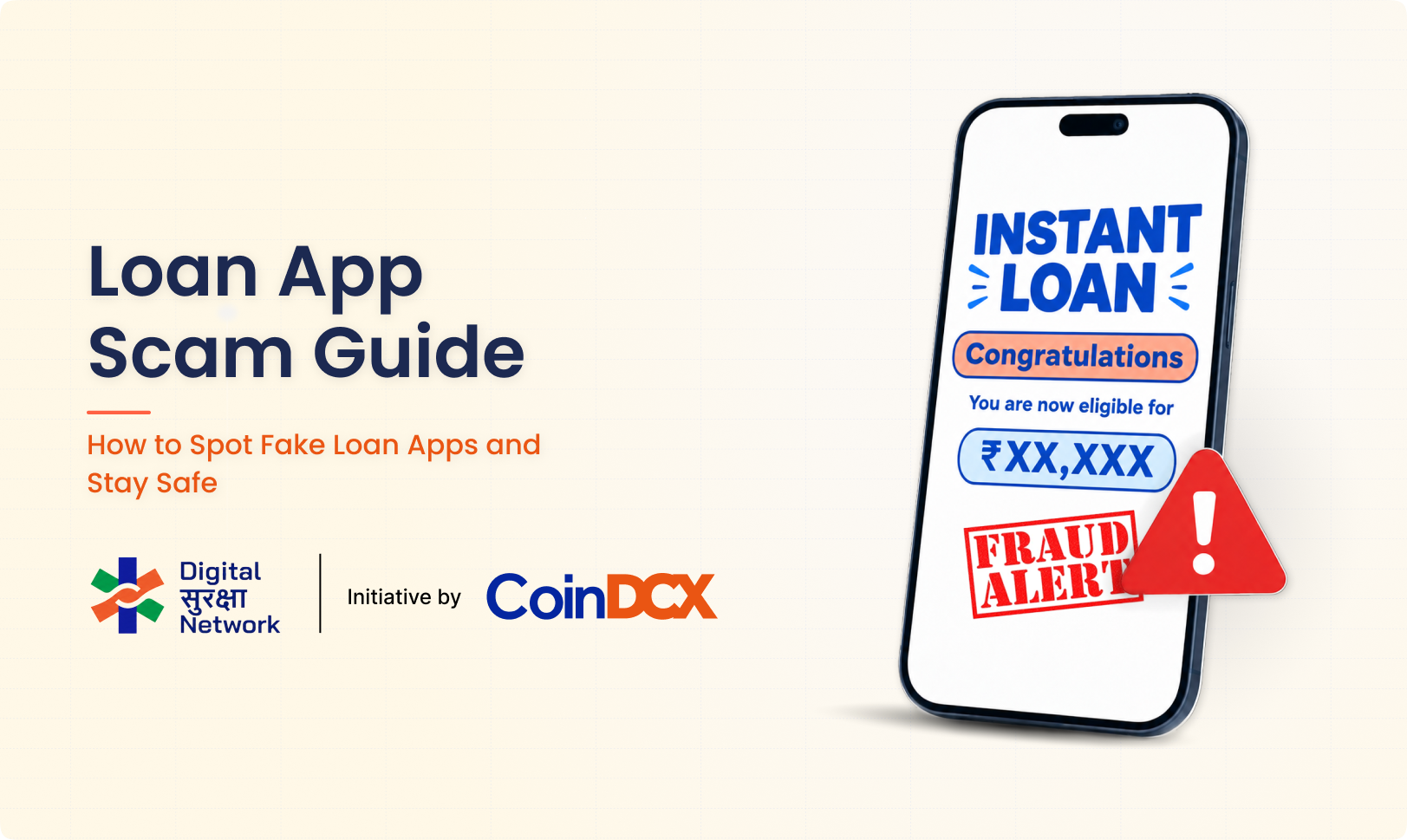
An offer of an instant loan can feel useful during a financial emergency. A message may promise quick approval, no paperwork and money within minutes. But some loan apps are designed to steal fees, collect personal data or trap borrowers in harassment and extortion.
A loan app scam may use a fake lender, hidden charges, an unsafe app or a fraudulent payment request. Some apps disburse a small amount without clear consent and then demand a much larger repayment. Others collect an advance fee and never provide a loan.
Quick answer: Do not download a loan app from a link received through WhatsApp, SMS, Telegram or social media. First identify the bank or NBFC providing the loan, then verify the app through that lender’s independently located official website.
What Is a Loan App Scam?
A loan app scam is a fraud built around a false, unauthorised or misleading digital loan offer. The scam may aim to:
- Collect an advance processing fee without giving a loan
- Steal PAN, Aadhaar, bank or contact information
- Gain access to photos, contacts and messages
- Disburse an amount without clear terms and demand excessive repayment
- Threaten or shame the user into paying
- Impersonate a real bank, NBFC or loan platform
- Install malware through an APK file or unsafe link
Not every expensive loan is necessarily a fake app, and not every repayment dispute is cyber fraud. The key questions are whether the lender is identifiable, whether the terms were clearly disclosed, whether consent was valid and whether collection practices are lawful.
How Does a Fake Loan App Scam Work?
1. The user receives an attractive offer
The offer may arrive through SMS, WhatsApp, a social-media ad, a phone call or a search advertisement. Common claims include:
- “Instant loan approved”
- “No credit check required”
- “Get ₹50,000 in five minutes”
- “Low-interest personal loan—apply now”
- “Pre-approved loan waiting for you”
The message usually creates urgency and directs the user to a link.
2. The app asks for personal information
The user may be asked for PAN, Aadhaar, a selfie, bank details and employment information. A harmful app may also request access to contacts, photos, call logs, SMS or device storage.
These permissions can be misused to threaten the borrower, contact relatives or create morphed images.
3. The scam takes one of several routes
The operator may:
- Demand an upfront fee and disappear
- Approve a different amount from the one requested
- Transfer a small amount and demand a much larger repayment
- Hide the interest rate, fees or short repayment period
- Ask for repayment to a personal UPI ID or changing account
- Use threats and public shaming to collect money
- Repeatedly offer new loans to pay old ones
4. Harassment begins
The app’s agents may call repeatedly, use abusive language, threaten legal action or contact people in the user’s phone book. They may send morphed photos or false messages to family and colleagues.
Fear and embarrassment are used to pressure the user into paying quickly.
Fake Loan App List: Why a Static List Is Not Enough
“Fake loan app list” is a common search because people want a quick answer before downloading an app. However, relying only on a static list is unsafe.
Fraudulent apps can:
- Change their names and logos
- Return with a different developer account
- Copy the name of a genuine lender
- Move from an app store to an APK download
- Use several websites for the same operation
An app not appearing on an old warning list is not automatically safe. Instead of checking only the app name, verify the actual lender behind it.
The official National Cyber Crime Reporting Portal also provides a Check Suspect facility for websites and apps. Treat any checker as one part of the verification process, not as the only test.
How to Check Whether a Loan App Is Genuine
1. Find the legal name of the lender
The app should clearly state which regulated bank or Non-Banking Financial Company (NBFC) is providing the loan. A brand name or app name alone is not enough.
If the app claims to work with several lenders, it should clearly identify the lender connected to your loan.
2. Visit the lender’s official website yourself
Do not use the link in the loan message. Search for the bank or NBFC independently and check whether its official website lists the app or lending service.
The Reserve Bank of India has cautioned users to verify whether a digital lending app is associated with an RBI-regulated bank or NBFC by checking the regulated entity’s website.
3. Check the loan disclosures
Before accepting, you should be able to see important details such as:
- Name of the lender
- Loan amount
- Annual Percentage Rate or total borrowing cost
- Processing and other charges
- Repayment schedule
- Late-payment terms
- Grievance contact
- Recovery-agent details where applicable
Do not rely on a verbal promise made by a caller or chat agent.
4. Review the app permissions
A loan app should not need unrestricted access to your contacts, call logs, personal photos or unrelated files to assess a loan. Be cautious if the app refuses to work unless broad permissions are granted.
Read the privacy policy and check how your data will be collected, used, shared and deleted.
5. Check the developer and website
Look at the developer name, official email address, website domain, privacy-policy link and app-update history. Watch for spelling changes that imitate a known company.
An app-store listing does not by itself prove that the lender is genuine.
6. Check where the money moves
Loan disbursal and repayment should follow the lender’s stated process. Treat requests to pay an advance fee or send repayment to an unrelated personal UPI ID with caution.
7. Contact the lender using independent details
Call the phone number shown on the bank or NBFC’s official website. Ask whether the app, agent and loan offer are genuine. Do not call the number provided in the suspicious message.
8. Check the message or link before opening it
You can paste a suspicious message or URL, or upload a screenshot, to the free DSN Scam Checker. The tool can identify common fraud signals, but its output is guidance rather than a guaranteed verdict.
Loan App Red Flags
Stop and verify the offer if you notice any of these signs.
The app arrives as an APK file
You are told to install an app from a website, cloud drive or chat instead of an official app store.
The lender is not named
The app shows only a marketing brand and does not clearly identify the bank or NBFC issuing the loan.
Approval is guaranteed
The message promises a loan to everyone, with no assessment, documentation or meaningful checks.
An advance fee is required
The agent asks you to pay a processing, insurance, GST, security or file-opening fee before any loan is issued, often to a personal account.
The app demands excessive permissions
It asks for contacts, call logs, gallery access, SMS, microphone or other information unrelated to the stated purpose.
Costs are hidden
The app does not clearly show the interest rate, total cost, deductions, late fee or repayment schedule before acceptance.
The repayment period is unexpectedly short
The borrower discovers that repayment is due within days, despite a different period being advertised.
Money arrives without clear consent
A small amount is deposited even though the user did not knowingly accept the final terms.
Repayment details keep changing
Agents provide new UPI IDs, personal accounts or QR codes and pressure the user to pay immediately.
The agents threaten or shame the user
Threats to contact family, publish photos, send false messages or cause arrest are serious warning signs.
There is no real grievance channel
The app has no working office address, official support email or named grievance officer.
What Should You Check Before Taking a Digital Loan?
Use this short checklist:
- I know the legal name of the bank or NBFC providing the loan.
- The lender’s official website confirms the app or service.
- I downloaded the app through a trusted source reached independently.
- I received and read the key loan terms.
- I understand the total amount I will receive and repay.
- I checked the interest, fees, penalties and due dates.
- The app is not asking for unrelated phone permissions.
- Payment does not go to an unknown personal account.
- I know how to contact the lender’s grievance officer.
- I have not been pressured to decide immediately.
If any answer is “no,” pause the application.
What to Do If a Fake Loan App Has Your Data
Remove risky permissions
Open your phone settings and revoke the app’s access to contacts, photos, microphone, camera, SMS, call logs and location where possible.
Preserve evidence before uninstalling
Save screenshots of the app, permissions, loan terms, payment demands, threats and agent details. Record the app name, developer, download URL and version.
Uninstall the app
After preserving the evidence and revoking access, remove the suspicious app. Run a security scan and install operating-system updates.
Secure important accounts
Change passwords for your email, banking and other affected accounts. Turn on two-factor authentication. If you share a card or bank details, contact your bank.
Monitor for identity misuse
Watch bank statements, loan messages and credit reports for activity you do not recognise. Keep copies of the complaint in case your identity is misused later.
What to Do About Loan App Harassment
Harassment can make a person panic. Take the following steps calmly.
Do not delete the threats
Save messages, call logs, recordings where lawful, screenshots, payment demands, UPI IDs, account numbers and morphed images. Note the dates and phone numbers.
Separate a genuine debt from an extortion demand
If a valid loan exists, contact the regulated lender through its official website and request a full statement. Do not ignore a genuine repayment obligation. However, do not send money to an unverified agent or changing personal account merely because of a threat.
Tell trusted contacts if necessary
If the app has accessed your phone book, warn close contacts that they may receive false or abusive messages. Ask them not to reply, pay or share information.
Report threats and financial fraud
For suspected financial cyber fraud in India:
- Call the National Cybercrime Helpline on 1930.
- File a complaint at cybercrime.gov.in.
- Contact your bank or payment provider immediately if money was transferred.
- Report the app and developer to the relevant app store.
- Approach local police if there are threats, blackmail, stalking or an immediate safety risk.
Complain to the regulated lender
If the app is connected to a bank or NBFC, use the grievance contact shown on the lender’s official website. Keep the complaint number and copies of your communication.
If the complaint is not resolved through the regulated entity’s process, check whether it can be escalated through the RBI Complaint Management System.
For more detail, read DSN’s guide on how to report cyber fraud in India.
How to Report a Loan App Scam
Prepare the following information:
- App name and developer name
- App-store or APK link
- Website URL
- Claimed lender and agent details
- Phone numbers and messaging accounts
- Loan agreement or screenshots of the terms
- Amount received and amount demanded
- Bank account, UPI ID or QR code used
- Transaction references
- Harassing messages and call logs
- Permissions requested by the app
- Complaint made to the lender or app store
Clear evidence helps the bank, platform and authorities understand the sequence of events.
How DSN Supports Safer Digital Decisions
The Digital Suraksha Network is a volunteer-led initiative founded by CoinDCX to help build shared cyber-safety infrastructure for India.
DSN’s free Scam Checker can analyse a suspicious loan message, link, screenshot or situation before a person clicks or pays. It is a quick educational check, not a substitute for verifying the lender with the RBI-regulated bank or NBFC.
CoinDCX’s role as DSN’s founding partner supports a broader effort to reduce online impersonation and financial fraud across the digital ecosystem. Learn more about CoinDCX’s Digital Suraksha Network initiative.
Frequently Asked Questions
How can I identify a fake loan app?
Check whether the app names the lending bank or NBFC, appears on that lender’s official website, provides clear loan costs and avoids unnecessary permissions. Advance-fee demands, APK links and personal repayment accounts are major warning signs.
Is every loan app on an app store safe?
No. An app-store listing alone does not prove that a lender is regulated or that the loan terms are fair. Verify the app through the bank or NBFC’s official website.
Where can I find a fake loan app list?
Warning lists can help, but they become outdated as apps change names and links. Use the National Cyber Crime Reporting Portal’s Check Suspect facility and independently verify the lender behind the app.
Can a loan app access my contacts?
Be cautious if a loan app demands access to contacts, call logs, photos or unrelated files. Review and revoke unnecessary permissions through your phone settings.
What should I do if a loan app is threatening my contacts?
Preserve the evidence, revoke permissions, warn trusted contacts and report the threats at cybercrime.gov.in. Call 1930 if the case involves financial cyber fraud, and approach local police for immediate threats or blackmail.
Should I pay a fee before receiving a loan?
Do not transfer money to an unknown personal account or UPI ID. Verify all charges in the lender’s written terms and contact the lender through its independently located official details.
What if money was deposited without clear consent?
Do not follow repayment instructions from an unverified caller. Preserve the records, contact your bank, identify the alleged regulated lender and report suspected fraud through official channels.
Can the DSN Scam Checker confirm that a loan app is genuine?
The checker can flag common scam signals in messages, URLs, screenshots and situations. It cannot guarantee that a lender or app is genuine. Confirm the lender through the regulated bank or NBFC’s official website.
Disclaimer
This article is for cyber-safety education only. It is not legal, lending or financial advice and does not identify every fraudulent app. App names, scam methods and official procedures can change. For suspected financial cyber fraud in India, contact your bank or payment provider immediately, call 1930 and file a complaint through cybercrime.gov.in. If you face threats or an immediate safety risk, contact local police.